Verification guide on the Traceability Tools Navigator
Curious about the "Verified" tag on TTN? Discover what verification means, how it works, and how it helps users confidently compare digital traceability tools.
Background
The Traceability Tools Navigator (TTN) helps users understand and compare digital tools that support supply chain traceability, responsible sourcing, deforestation- and conversion-free commitments, and regulatory due diligence. Verification adds an additional layer of confidence to the information displayed on TTN by checking whether selected tool features and values claimed by a tool provider are present and operational at the time of review.
Why is verification part of TTN ?
Most tool information on TTN is provided directly by tool providers through a structured feature framework. This makes it possible to include a broad range of tools and keep the platform practical and scalable. At the same time, users need to understand which information has only been self-disclosed and which information has been independently checked by Preferred by Nature.
Verification is therefore included to support transparency, credibility, and clearer comparison. It helps users identify tool information that has been reviewed against defined indicators and verifiers, while still allowing non-verified and non-verifiable information to remain visible in the wider TTN database.
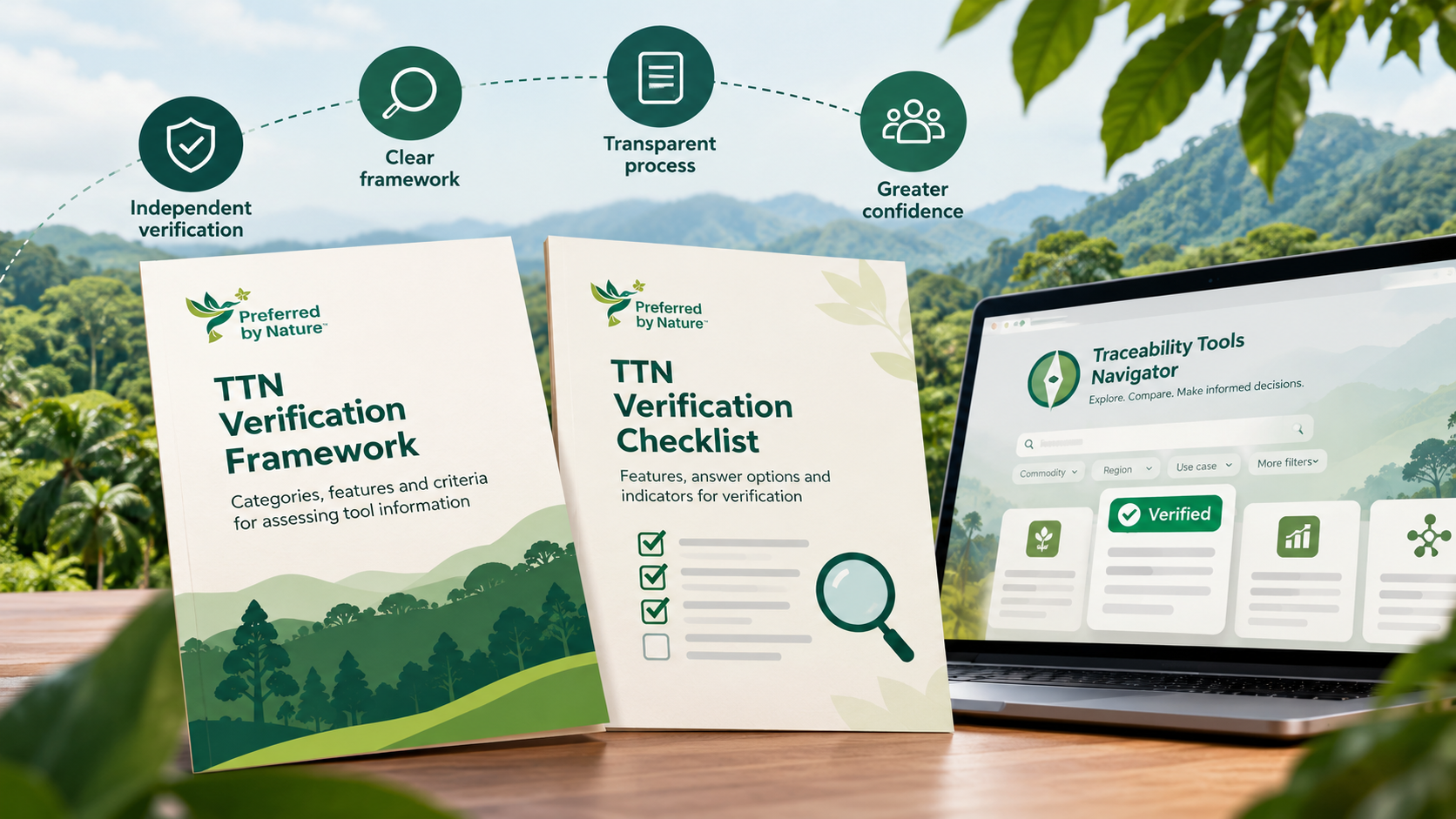
What does TTN verification mean?
Verification means that Preferred by Nature checks selected claimed features and feature values of a tool against the TTN verification framework. The focus is on confirming whether the claimed functionality, information, or capability is in place as described. Verification does not mean that Preferred by Nature endorses, certifies, ranks, or recommends the tool.
Verification also does not assess whether one tool is better than another, whether a feature is more valuable for a specific use case, or whether the tool is suitable for a particular organisation. Users should continue to assess their own needs, risks, context, and due diligence responsibilities when selecting and using tools.
How does verification work?
The verification process starts when a tool provider agrees to participate. Preferred by Nature shares the verification checklist and requests supporting information, evidence, and access to a functional demonstration account. The public methodology and guidance are made available through the TTN Knowledge Hub so that users and providers can understand the approach.
Preferred by Nature then reviews the evidence and tests or observes relevant features through the demo account where feasible. The review is conducted feature by feature and value by value using indicators and verifiers in the TTN framework. If information cannot be confirmed from documentation alone, Preferred by Nature may clarify outstanding points with the tool provider, including through an online demonstration. The result is recorded in the verification checklist and communicated to the provider. Verification results have 3 ratings: verified, verified with an observation or not verified. An observation is feedback on tool information from Preferred by Nature and only shared with the tool provider.
What is visible to TTN users?
TTN distinguishes between self-disclosed tool information and verified tool information. Self-disclosed information is the information submitted by the tool provider and remains visible in the standard tool view. Verified information is the subset of tool information that has both been included in the verification scope and received a positive verification result.
In the tool finder, verified tools are marked with a verified tag. In comparison and detail views, users can switch to a verified view where non-verified tools, non-verifiable features, and feature values that did not pass verification are greyed out. This helps users focus on the information that has been confirmed through the verification process.
Minimum requirements for verification
Even though not the full framework is in scope of verification and providers may choose to self-claim features and values that did not pass the PbN verification, at least 75% of claimed features must pass the verification in order to show a tool as verified. Furthermore, the verification checklist contains a set of critical features a verified tool must support.
Limitations of verification
Verification is intentionally limited in scope. It confirms the presence and operational status of selected claimed features and values at the date of assessment. It does not continuously monitor the tool after verification, and it does not guarantee that tool information will remain unchanged over time.
Some features and values are not currently verifiable at reasonable cost or with sufficient confidence. Examples may include broad claims about supported use cases, detailed specialisations, or areas where verification would require extensive case-by-case assessment. These items may remain visible as self-disclosed information but will not appear as verified information.
Verification is not a performance rating, quality assessment, certification, legal compliance assessment, or fitness-for-purpose determination. It should not be interpreted as a statement that a tool is suitable for a specific company, commodity, geography, regulation, or sourcing context.
How to recognise verified and non-verified information
- Verified tool tag: A tool that has completed verification is flagged as verified on TTN.
- Standard view: Shows the full set of self-disclosed tool information, including information that has not been verified or cannot be verified.
- Verified view: Shows only the information that is both within the verification scope and positively verified.
- Greyed-out information: Indicates information that is non-verifiable, not yet verified, or not successfully verified.
- Verification guidance: Pop-ups and Knowledge Hub explanations help users understand what the verified view includes and excludes.
What users should keep in mind
Verification is designed to make TTN more transparent and useful, not to replace users’ own due diligence. Users should treat verified information as a stronger indication that a claimed feature was present and operational when reviewed, while also considering their own requirements, regulatory obligations, implementation context, and risk appetite.
If users identify information that appears outdated, incomplete, or inaccurate, they should use TTN’s feedback mechanism where available. User feedback helps maintain the quality of the platform and supports continuous improvement of both the Navigator and the verification approach.